 Internet Download Manager
Internet Download Manager
Internet Download Manager
Experience up to 500% faster download speeds with smart resume and scheduling capabilities. The ultimate tool for maximizing your internet potential.
Get IDM Now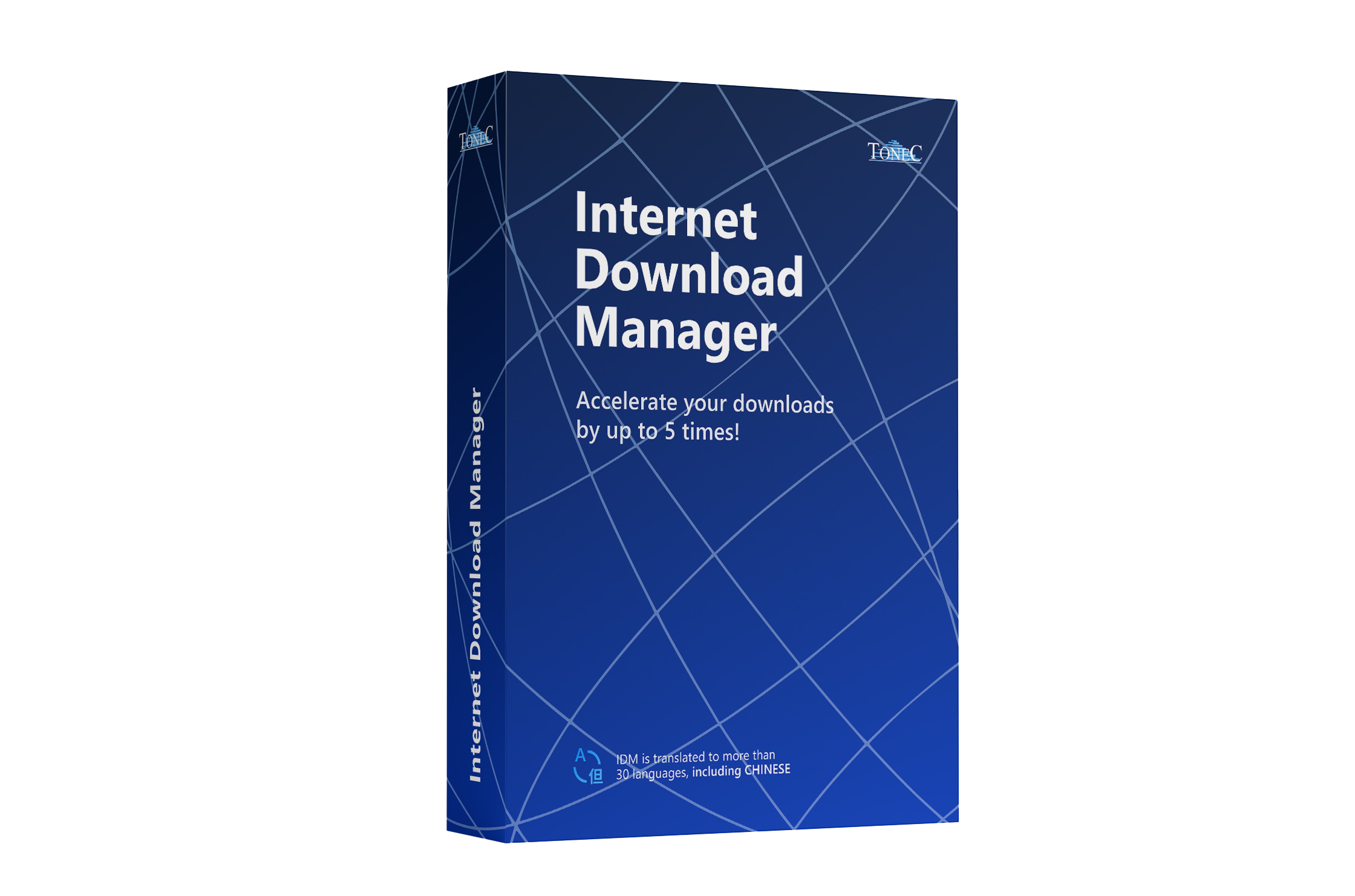
.gif)
Say goodbye to slow downloads. IDM optimizes your bandwidth to deliver faster, more stable transfers. It automatically repairs broken links and resumes interrupted downloads caused by network drops or power failures.
.gif)
Our proprietary engine uses dynamic file segmentation to split files into smaller parts, downloading them simultaneously. This intelligent reuse of connections ensures maximum speed throughout the entire process.
.gif)
IDM works flawlessly with Chrome, Firefox, Edge, Safari, and other popular browsers. The integration module automatically captures download links, giving you instant access to IDM's powerful features directly from your web surfing.
.gif)
Downloading multiple files has never been easier. Simply select a group of links, and IDM will offer to download them all at once. A single click initiates the batch process, saving you time and effort.
With the IDM extension, grabbing video and audio from your favorite streaming sites is effortless. The video download panel appears automatically, allowing you to save content for offline viewing.
Take full control of your download timeline. Configure IDM to start downloads at specific times, or set it to disconnect and shut down your PC once the queue is complete—ideal for overnight transfers.
Keep your downloads tidy without the hassle. IDM can automatically sort incoming files into defined categories based on file type or source website, ensuring your folders remain organized.
Make IDM your own. Adjust the interface layout, choose which buttons to display, and customize columns. Switch between light and dark themes or apply different toolbar skins to match your aesthetic preference.
Windows Registry Editor Version 5.00

[HKEY_CURRENT_USER\Software\DownloadManager]
"ConnectionSpeed"=dword:000ffff
"MaxConnectionNumber"=dword:00000020
"CheckUpdtVM"=dword:00000000
Use the above registry keys to manually configure max connection settings (Advanced Users Only).
Maximizing your download efficiency is just three steps away. Install, click, and let our intelligent engine optimize the rest.
Run the installer to set up IDM on your system. It automatically configures extensions for Chrome, Edge, Firefox, and other browsers for seamless operation.
Click on any download link—be it a document, video, or archive. IDM's smart detection panel will instantly pop up to handle the file acquisition.
Watch as IDM accelerates the transfer speed by up to 500%. You retain full control to pause, resume, or schedule the process as needed.

Build 6.42 | 12 MB | Supports Windows 11/10/8/7
Get IDM Latest VersionExperience the full power of Internet Download Manager today!
Virus Free
Digital Signature
Money Back Guarantee
.gif)
.gif)
.gif)